I built an image compressor (it's called Smol)

Happy new month. I have a blog. I started it in January, wrote one post, and went quiet for five months. This is post two, and it exists because I finally built something worth writing about: an image compressor called Smol. I've been using it every day for months without telling anyone.
It lives at smolpic.xyz.
The problem
I work with a lot of images. Screenshots, exports, assets for whatever I'm building that week. Most of it needs to get smaller before it goes anywhere, so I reach for a compression tool. And almost every one of them gets in the way somehow.
Ads. A 5MB limit on a single file. A 20MB limit if you're compressing a batch. Or the file gets uploaded to a server somewhere before you see anything back, which is a strange thing to accept for something as simple as shrinking a PNG.
The good tools have the same problem eventually. Squoosh was the one I actually liked, built by Google, no nonsense. Then it stopped being maintained. I'd thought about building my own replacement for a while, the way you think about most things you never start.
Where it started
What changed it was Leerob's post about building Pixo, a compression library written from scratch in Rust. Reading it pulled me back into research I'd half-done before. I stayed interested for about a week, then life got in the way again.
A few months later, AI got good enough to write real software, not just snippets. So one day I opened a chat, explained what I wanted, handed over a couple of reference links, and asked it to build the thing.
It worked. My first real test took a 23MB image down to about 5MB. That was enough to keep going.
Getting the compression right
Once the basics worked, the harder part started: making it actually good, not just functional. The first PNG library wasn't aggressive enough. I wanted Smol to be free, but I also wanted it to beat the tools I was replacing, not just match them on price. That sent me back into research, reading docs and comparing output sizes against what serious tools were actually using.
Smol's compression stack today:
@jsquash/avif     AVIF encode/decode
@jsquash/jpeg     JPEG encode/decode
@jsquash/oxipng   lossless PNG optimization
@jsquash/png      PNG decode
@jsquash/webp     WebP encode/decode
imagequant        lossy PNG quantization, libimagequant under the hood
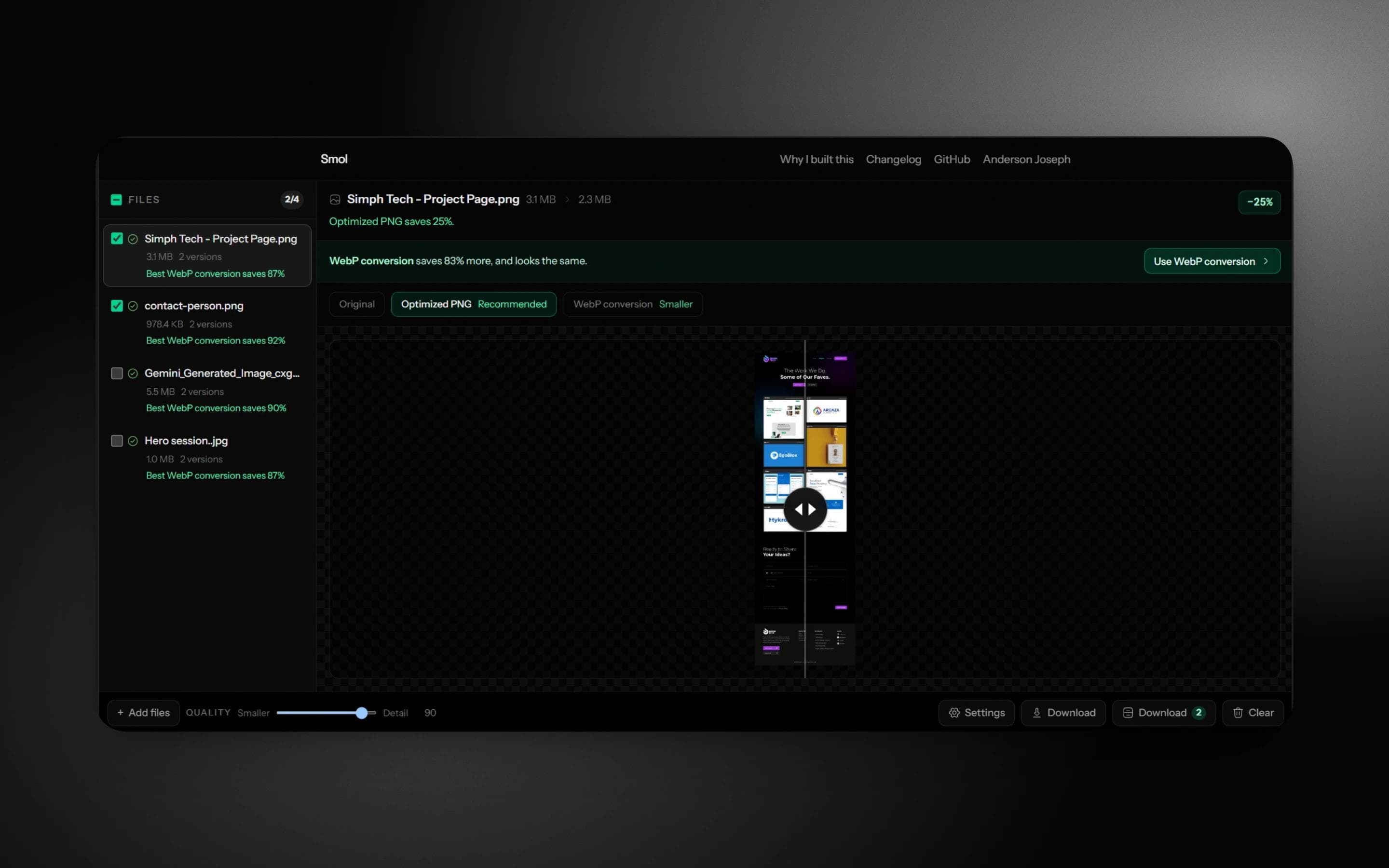
PNG ended up needing two separate modes instead of one. Optimized PNG is lossless, built on oxipng. Compressed PNG uses imagequant to cut colors more aggressively when a smaller file matters more than perfect quality. Splitting those apart, instead of one vague "make it smaller" setting, was the moment I understood why the other tools had been annoying me for years.
Copying the interface, on purpose
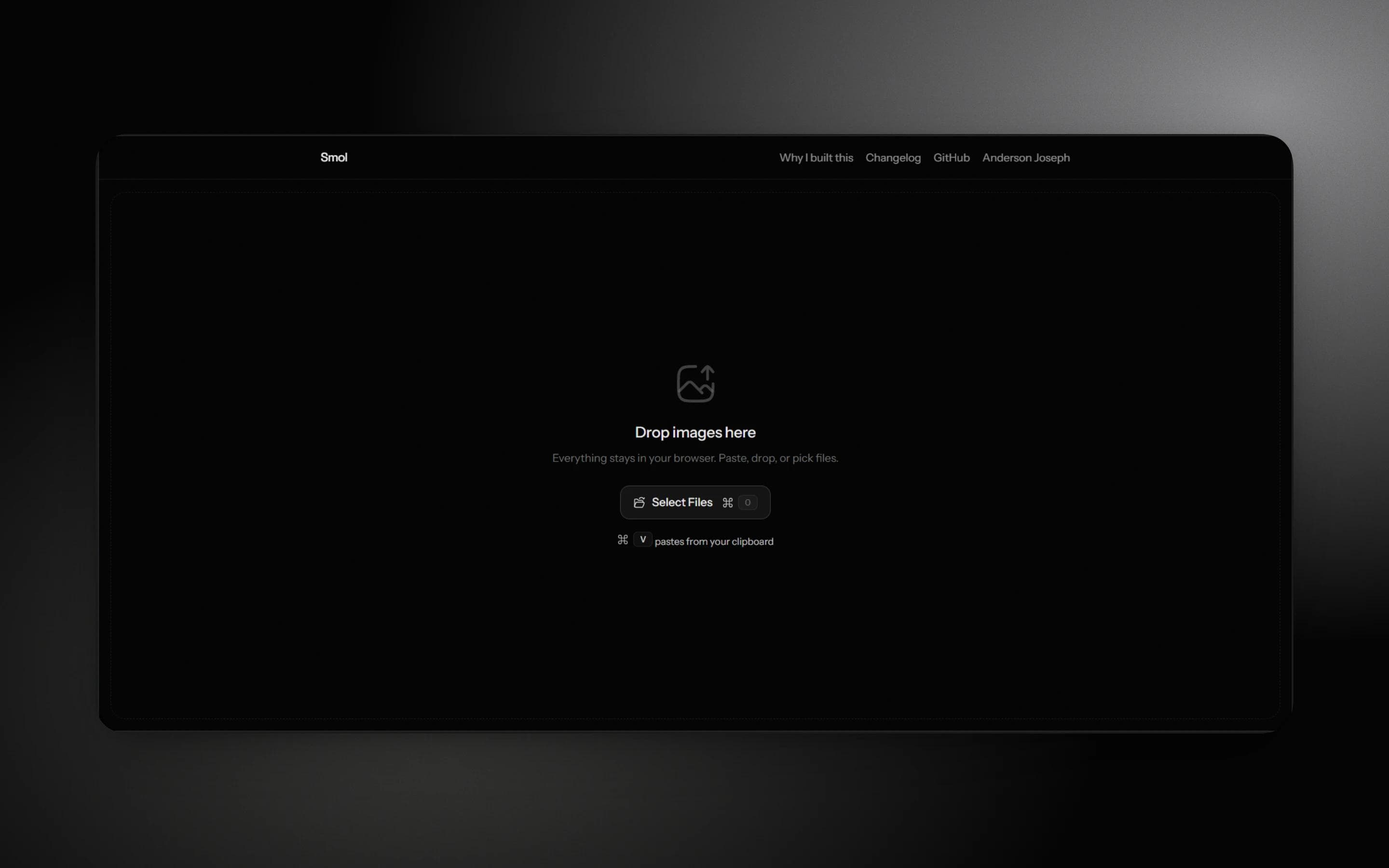
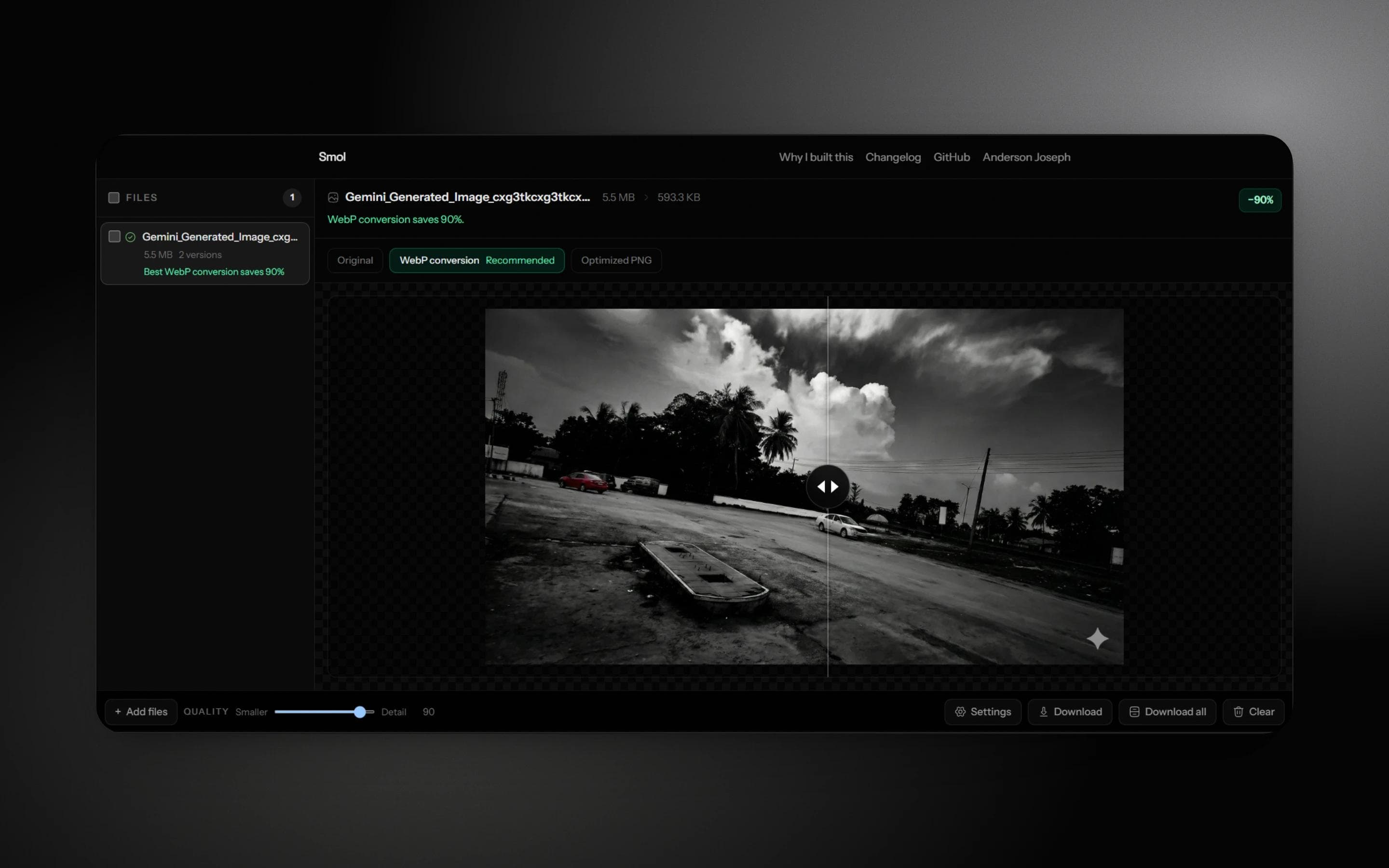
The UI is heavily inspired by Pixo's web app. I took a screenshot of their interface, handed it to the AI, and said something like this, but ours. A few iterations later I had a layout that felt right: drop files in, see results immediately, compare, export.
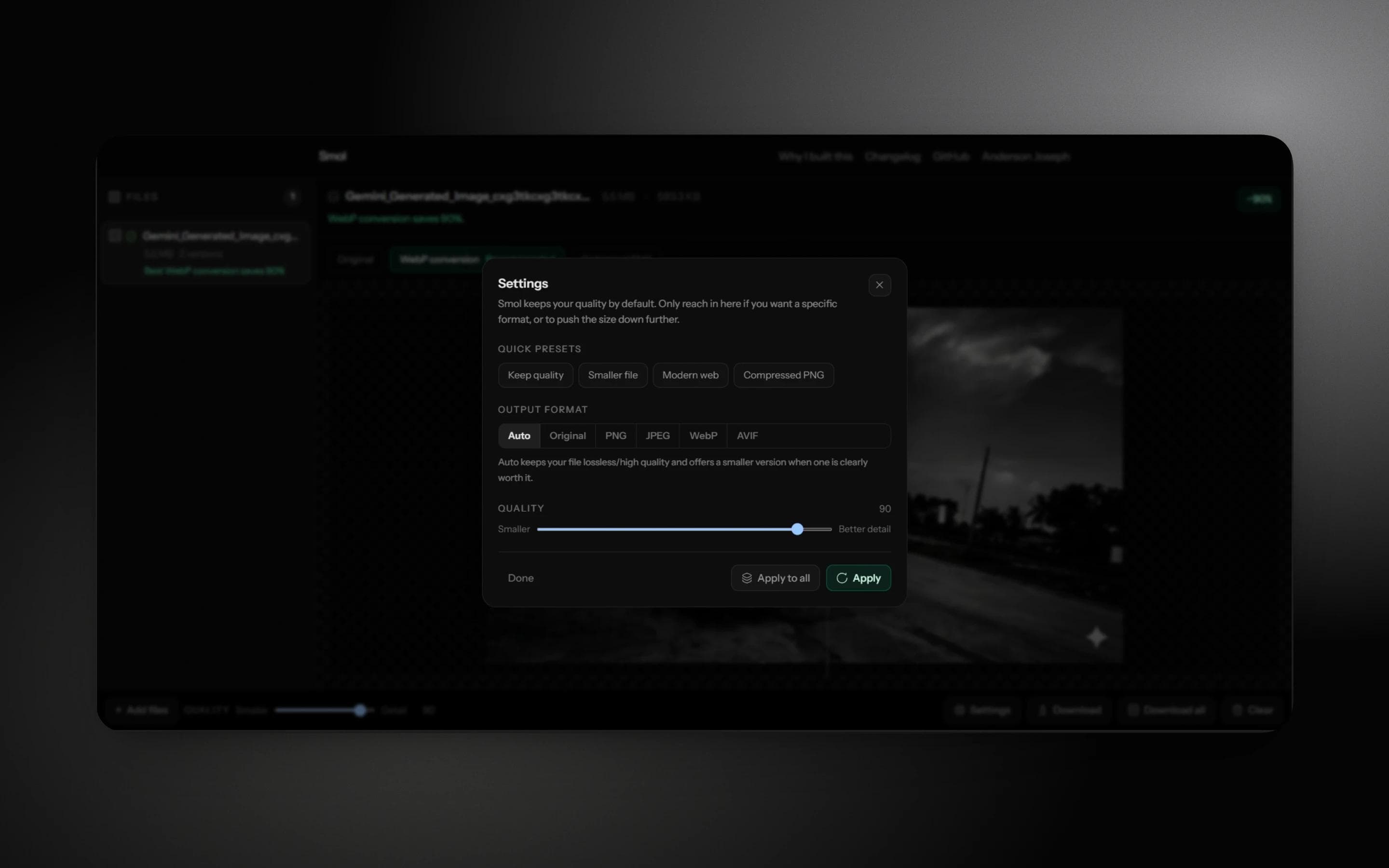
I kept refining it from there. A settings dialog so the fiddly controls stay out of the way until you want them. An auto mode that only suggests a smaller format when it actually saves real size, and never quietly swaps your file for something lossy.
It launched under a different name, PixelPress. A few months in, I renamed it Smol. Shorter, says what it does, and easier to type into a browser bar at 1am when you just need a file smaller.
Where it lives now
The hosting moved around a bit, briefly Sevalla, now Cloudflare Workers. The part that matters didn't move: it's at smolpic.xyz, and I've been using it daily for months. Once that was true for long enough, it stopped feeling like a side-tab project and started feeling like something worth finishing properly.
Why this exists
It solves a real problem for me. Everything runs in the browser. No backend, no upload step, nothing leaves your machine. The code is open source under GPL-3.0, so read it, fork it, send a PR if something's broken.
It was also just cheap to build. A domain costs nothing meaningful. Hosting is close to free at this scale. And asking an AI to write solid code has gotten cheap enough that "I wish this existed" can turn into "this exists" over a weekend instead of a quarter.
And yes, I needed an excuse to actually use this blog again. Don't hate the player.
If you compress images even occasionally, try Smol. It's free, it runs locally, and there's no maintainer burnout waiting to happen, because there's no server keeping the lights on.
Tell me what breaks.
See you in the next blog. Hopefully sooner than five months.